


Audience
200 Guests Daily
hospitality placement in Hinds County – Northeast, MS
Vending leads for operators
Every lead is a business that asked for vending, coffee, or micro market service. Sign in to preview each lead for free, then pay only for the leads you want and get the decision-maker's direct contact.
Hinds County – Northeast, Mississippi
Before we list it
Confirmed interest, headcount, and a decision maker.
From an operator
I run a small vending route here in Dallas and have been in the game for a few years. For about two years I bought my leads from one of the big lead sites. Over the past year their prices doubled, even tripled. Paying $1,500 to $3,000+ for one location lead makes the numbers really hard to work, especially on smaller spots where it can take years just to break even on the lead.
So a friend of mine who runs a marketing agency and I teamed up and started VendLead. His team finds and qualifies locations across the U.S., and we list them for about 2 to 3 times less than what I was paying. Before we list a location, we confirm they're interested, the equipment they want, their headcount, and a real decision maker to contact. Every lead goes to one operator. Once it's bought, we take it down, so you're not fighting 10 other operators for it.
As an operator myself, I built VendLead to be the site I wish I had when I started.
— Founder of VendLead, vending operator in Dallas
Connect directly with businesses requesting machines, coffee, or micro markets. Sign in to filter by category, distance, vending format, and price, and pick only the leads that fit your business.
From corporate offices to busy distribution centers, every lead comes with its headcount so you can size up the spot.
Sign in to see all location types29 location types. One consistent record format.
29
Location types
Provenance
Shown when current
Search radius
From your base
Location opportunities
Every location here asked for vending service and is open for an operator today. Pick one to see the headcount, the machines it wants, and the general area.
These are current leads: locations that are interested in vending service right now. Sign in to set your base and see how far each one is from you.
Sign in to use radius searchHospitality · Hinds County – Northeast, MS
Sign in and set your base to see each lead's distance.
View this location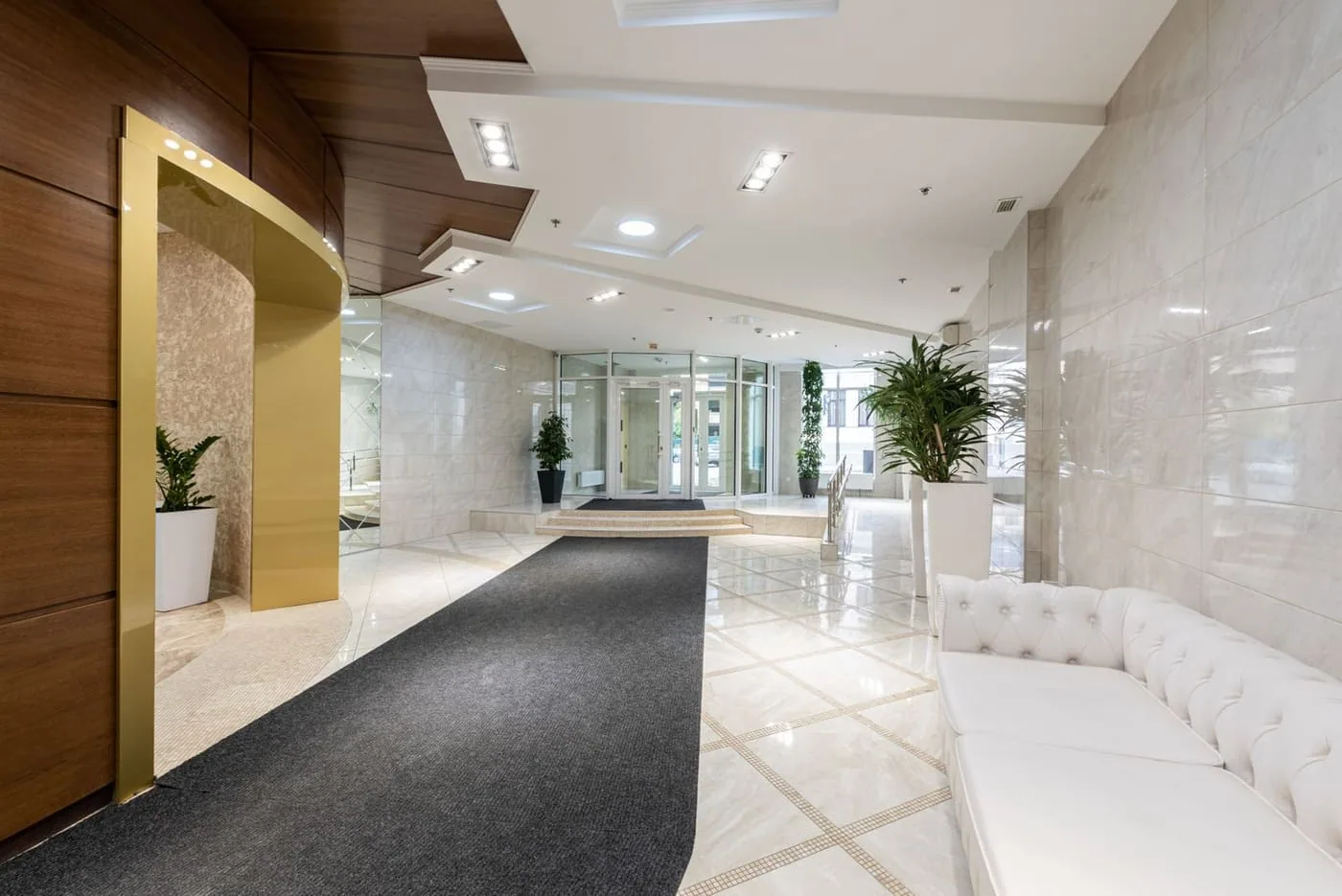
After sign-in, every lead shows the location type, daily foot traffic, and requested equipment for free. Found one you want? Unlock the decision-maker's direct contact and close the deal.
Free location preview
Foot traffic and requested machines shown upfront.
Direct decision maker
Get the decision-maker's name, email, and address, plus their phone number when it's listed.
Key location data
Every lead lists the headcount and the machines they want, plus access notes when the location gives them.
Audience
Equipment
Exclusivity
Verification
Start your search
Type a keyword and pick a business type below; your search carries through sign-in. Then filter by distance from your base and save the search to get alerts when new leads are listed.
Enter a keyword
Describe the kind of location you want.
Choose a type
Your category carries through sign-in.
Sign in to browse
Then compare foot traffic, machine requests, and terms.
Directory search
Type a keyword and pick a business type, then sign in to see what's out there. Save your base to filter by distance and get alerts on new leads.
Your search carries through: a phrase like “staff lounge” and a category like healthcare follow you through sign-in.
Start your search